Nested Collections
Introduction
A Collection allows users to organize and manage application items such as Groups, Filters, Attribute Sets. Starting with version 4.7.0.10, Collections support multiple nesting levels, enabling users to organize their data structures more flexibly according to their business requirements.
The Collection concept is now also applied to Hierarchies to ensure a consistent organizational model across the application.
Key Features
- Collections can be nested to any depth. There is no predefined limit on the number of levels; the structure depends on your business requirements.
- Within a collection, users can create either sub-collections or application items (Hierarchies, Groups, Filters, and Attribute Sets).
- Collections can be freely moved within the tree structure. When creating or editing a collection, users can select or change its parent collection.
- A collection can only be deleted when it no longer contains any child collections or items.
Sample screenshots
- The following screenshots use Attribute Set Collections as an example. The behavior is identical for other collection-based entities such as Hierarchies, Groups, and Filters.
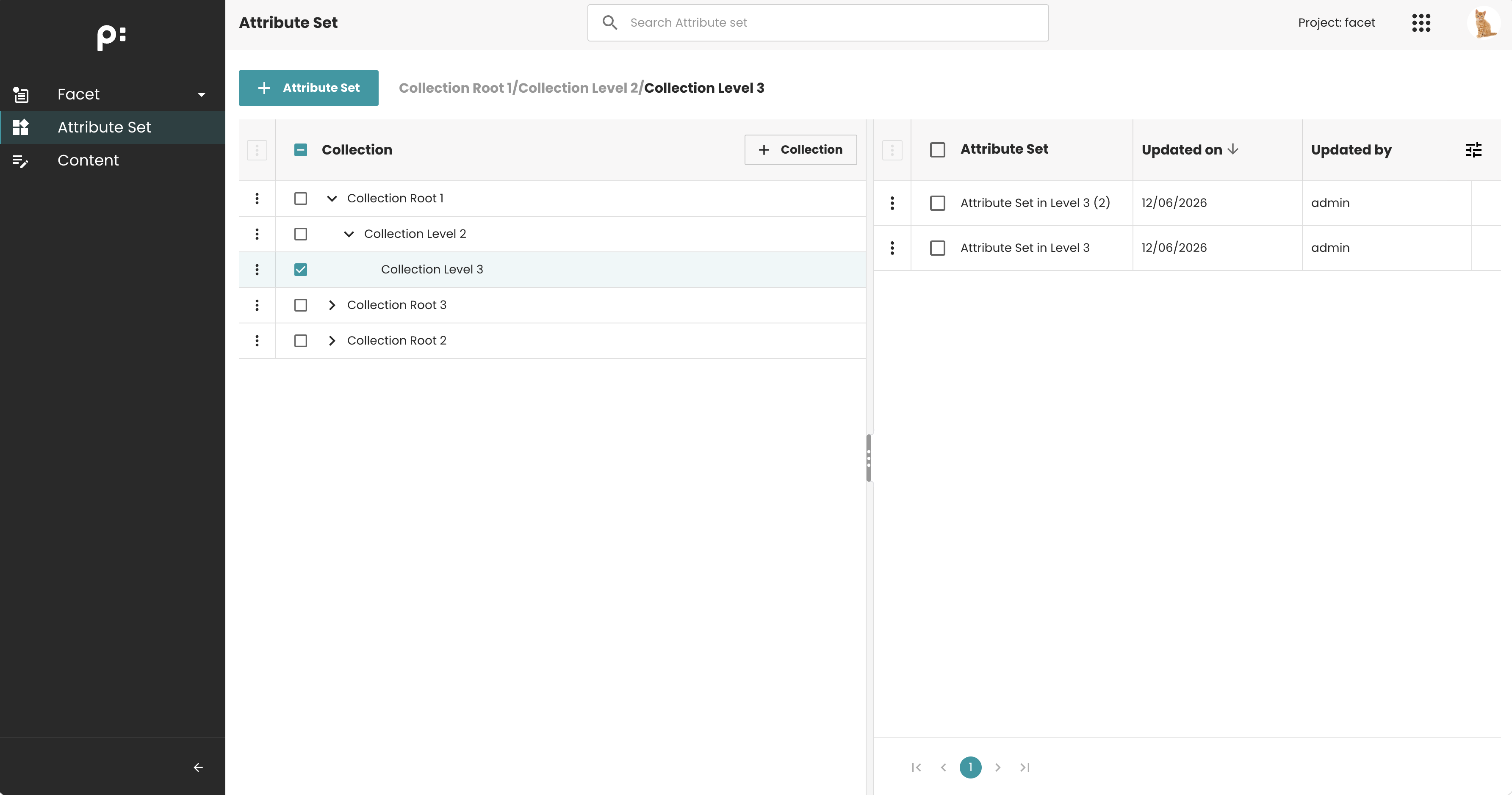
Attribute Sets home page. The collection tree is displayed in the left panel. Select a collection to view its child Attribute Sets.
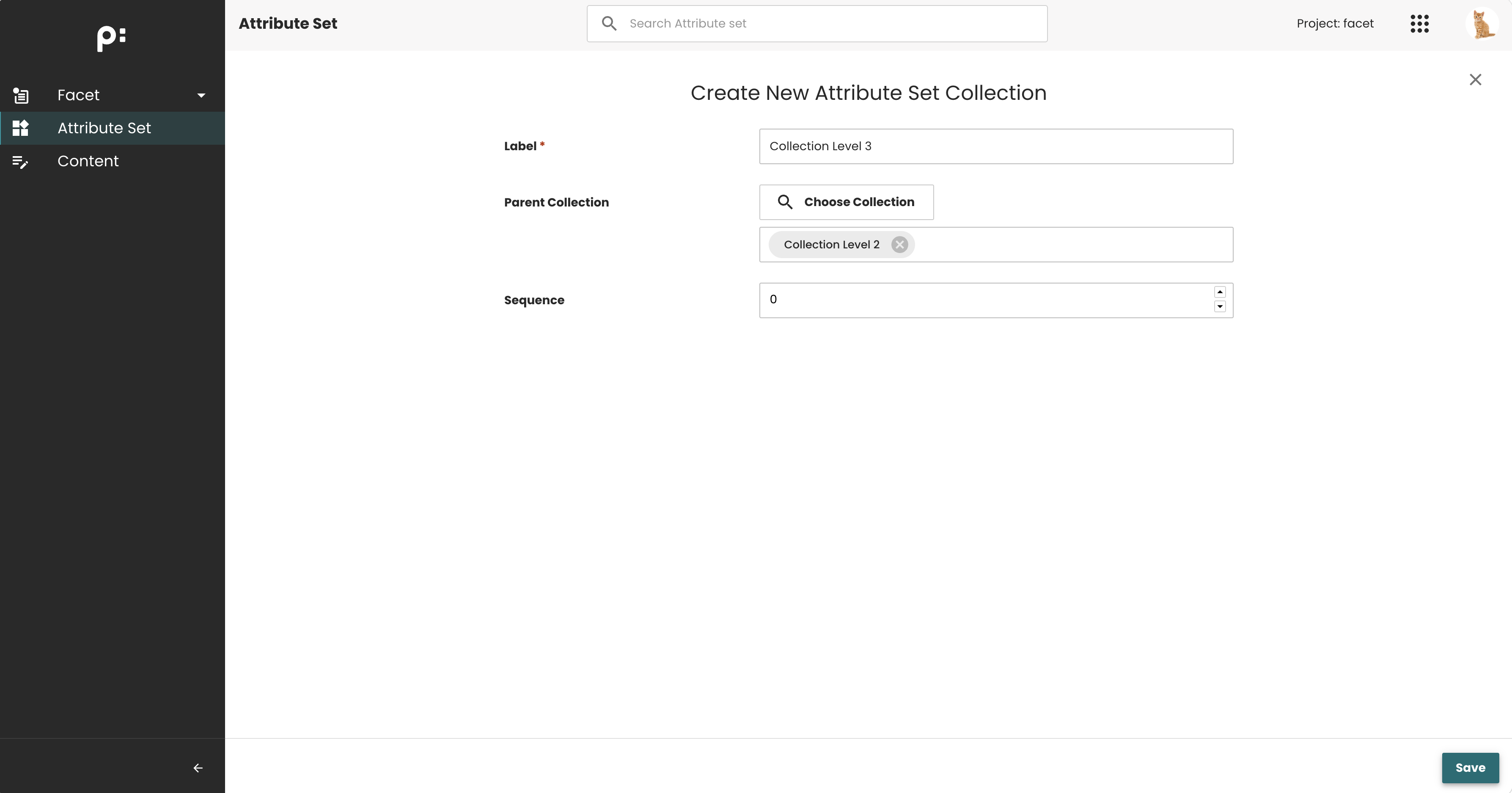
Create Attribute Set Collection form. Allows users to select a parent collection. An empty value indicates that the collection will be created as a root collection.
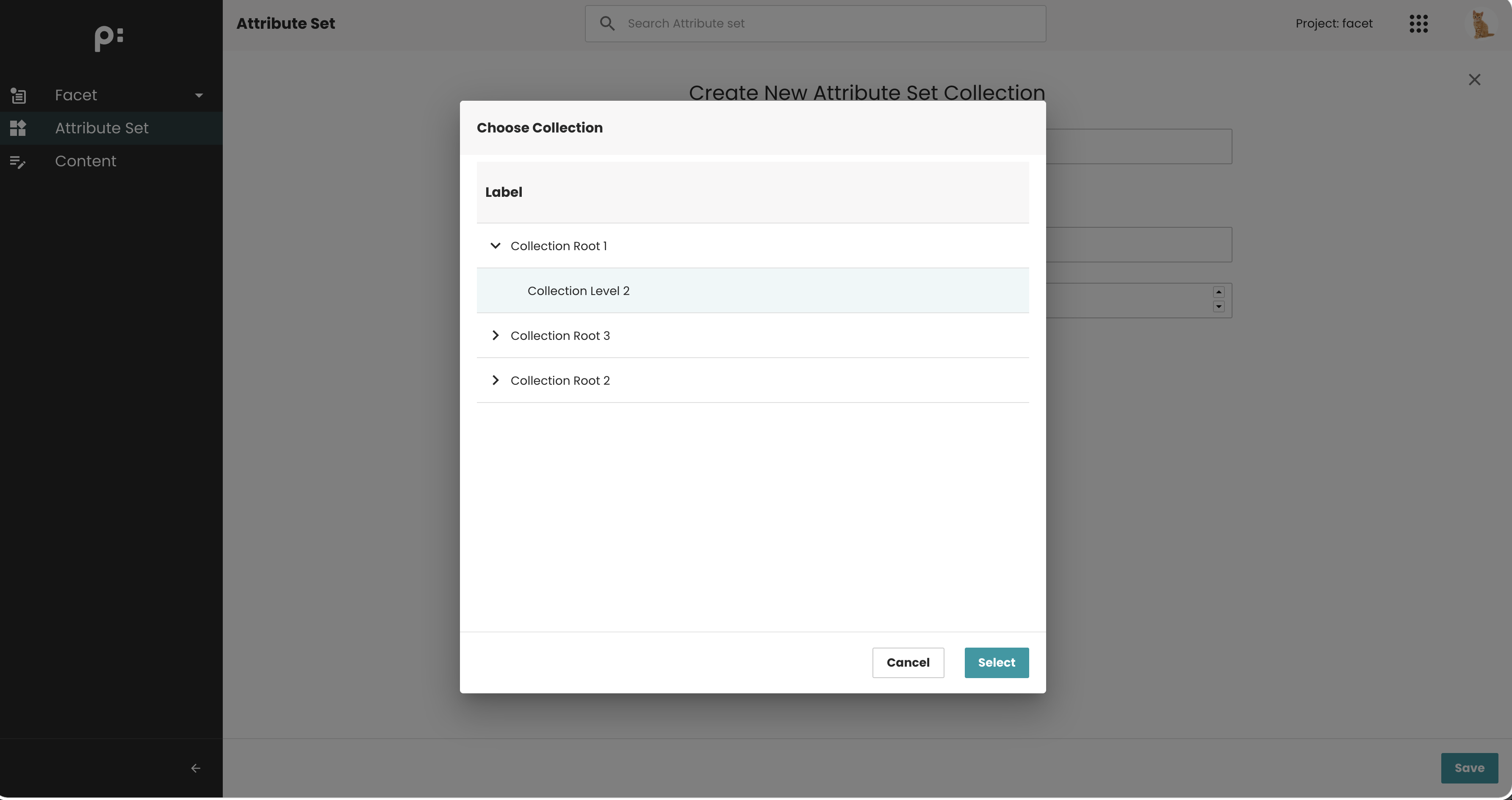
Select Parent Collection dialog. Allows users to select any collection in the tree as the parent.
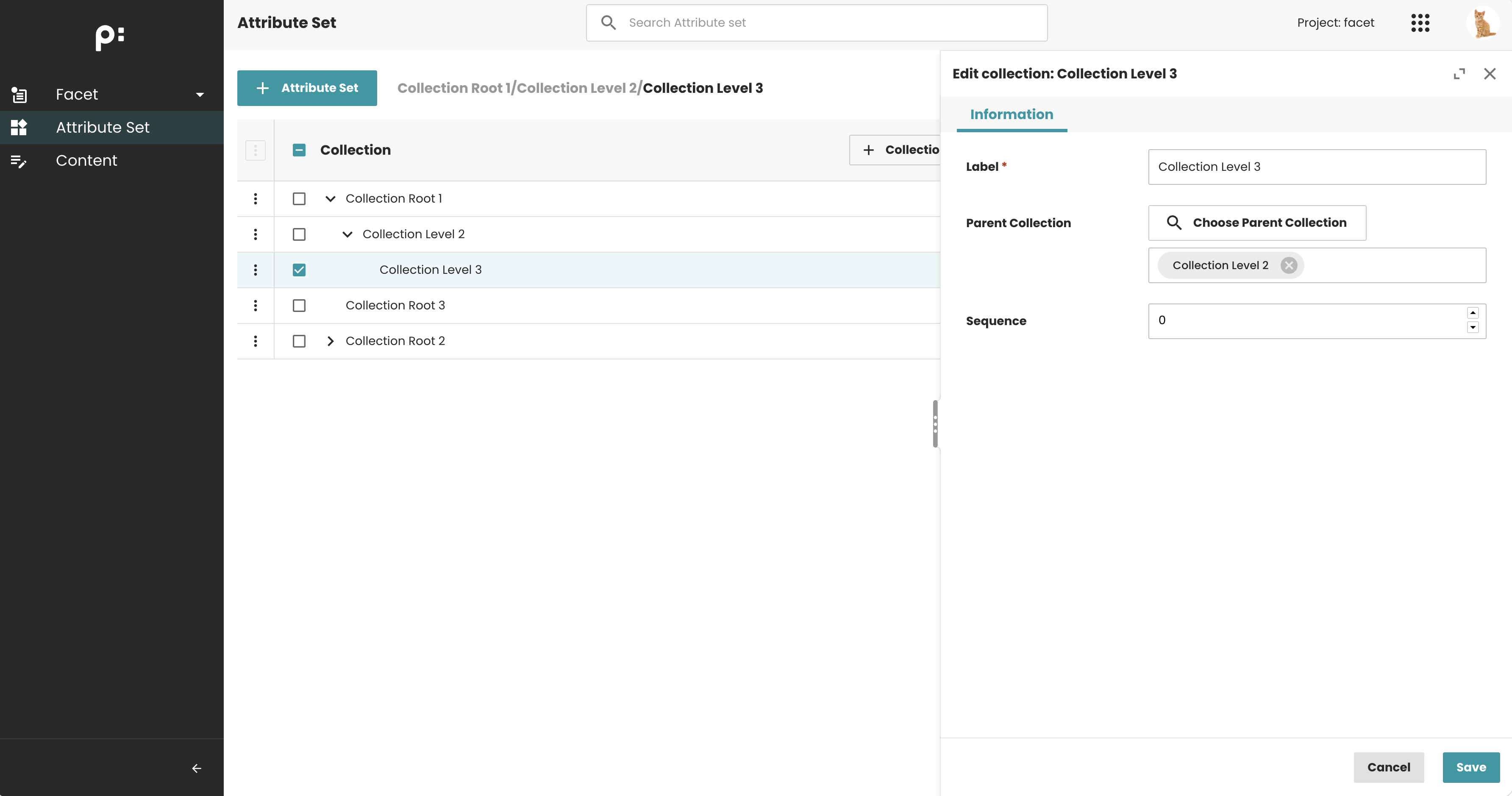
Edit Attribute Set Collection form. Allows users to change the parent collection.
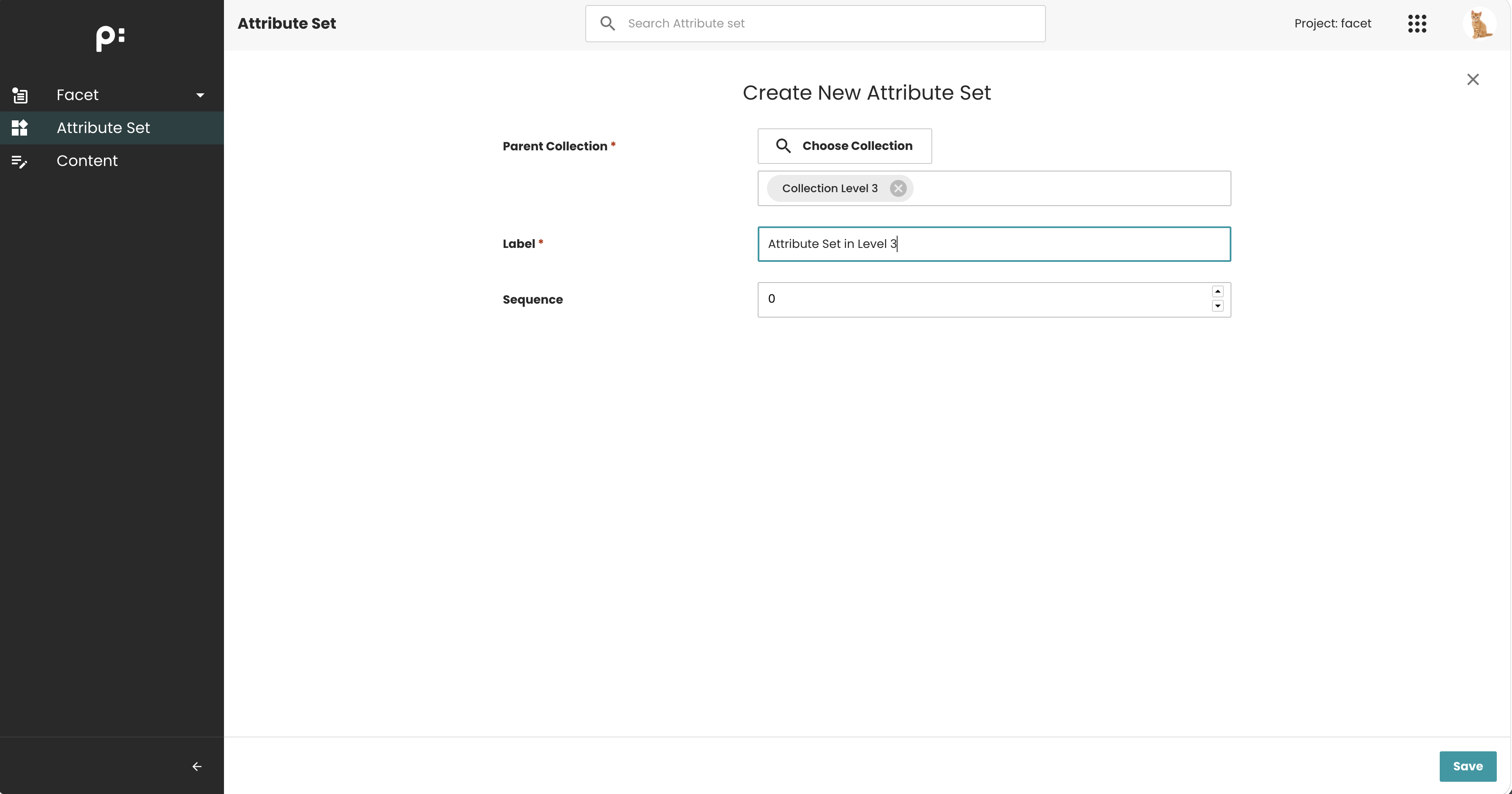
Create Attribute Set form. Allows users to assign the Attribute Set to a collection at any level.
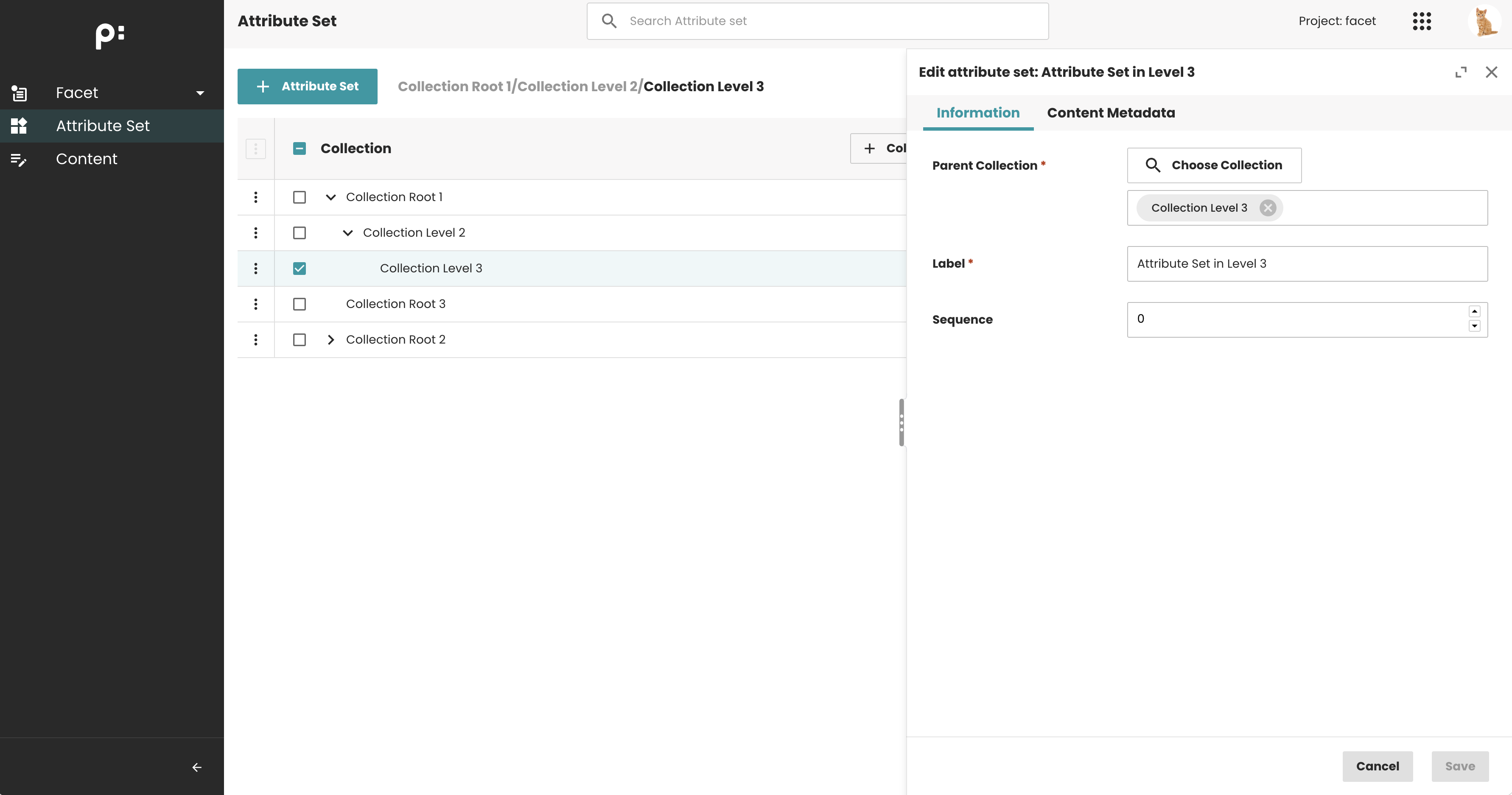
Edit Attribute Set form. Allows users to change the assigned collection.
Configuration
To enable Nested Collections, ensure that the entity model is configured correctly. The collection entity (for example, attributeset_collection) must contain both of the following sub-entities:
- The collection entity itself (to support nested collections)
- The corresponding business item entity (for example,
attributeset)
Sample Configurations
The following examples show the required configuration for Attribute Sets, Hierarchies, Filters, and Groups.




Sample Entity Model configurations can be found in the Data Management official release package on the WebFTP.
Nested Collections for Hierarchies
Support for Nested Collections in Hierarchies is optional. To maintain compatibility with existing installations that do not use collections, Hierarchies can continue to operate without any collection configuration. This means that existing hierarchy models can continue to work without modification, and no data migration is required.
To enable Nested Collections for Hierarchies, simply ensure that the collection entity exists in the entity model:
| Entity ID | Entity Label | Entity Class | Is Root | Connector | Tags | Sub Entities | Cardinality |
|---|---|---|---|---|---|---|---|
| Facet_Hierarchy_Collection | Facet Hierarchy collection | Bucket | Yes | PublishingHubDB/Mua | em.crud:DELETE_YES;ui.em.crud:DELETE_YES | Facet_Hierarchy_Collection and Facet_Hierarchy | _ |
Features notes
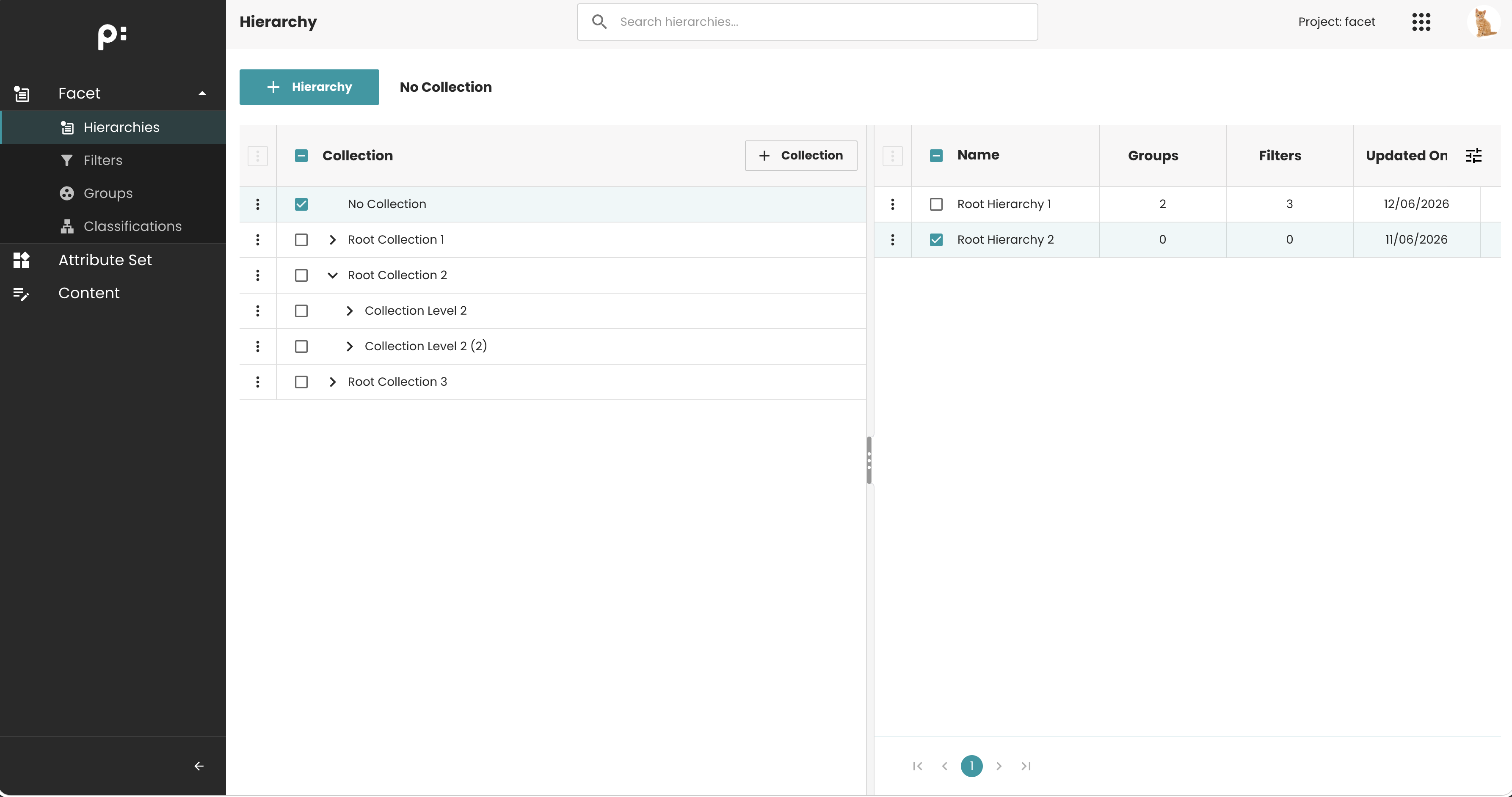
- If the collection entity is not configured, the Nested Collection functionality will not be available:
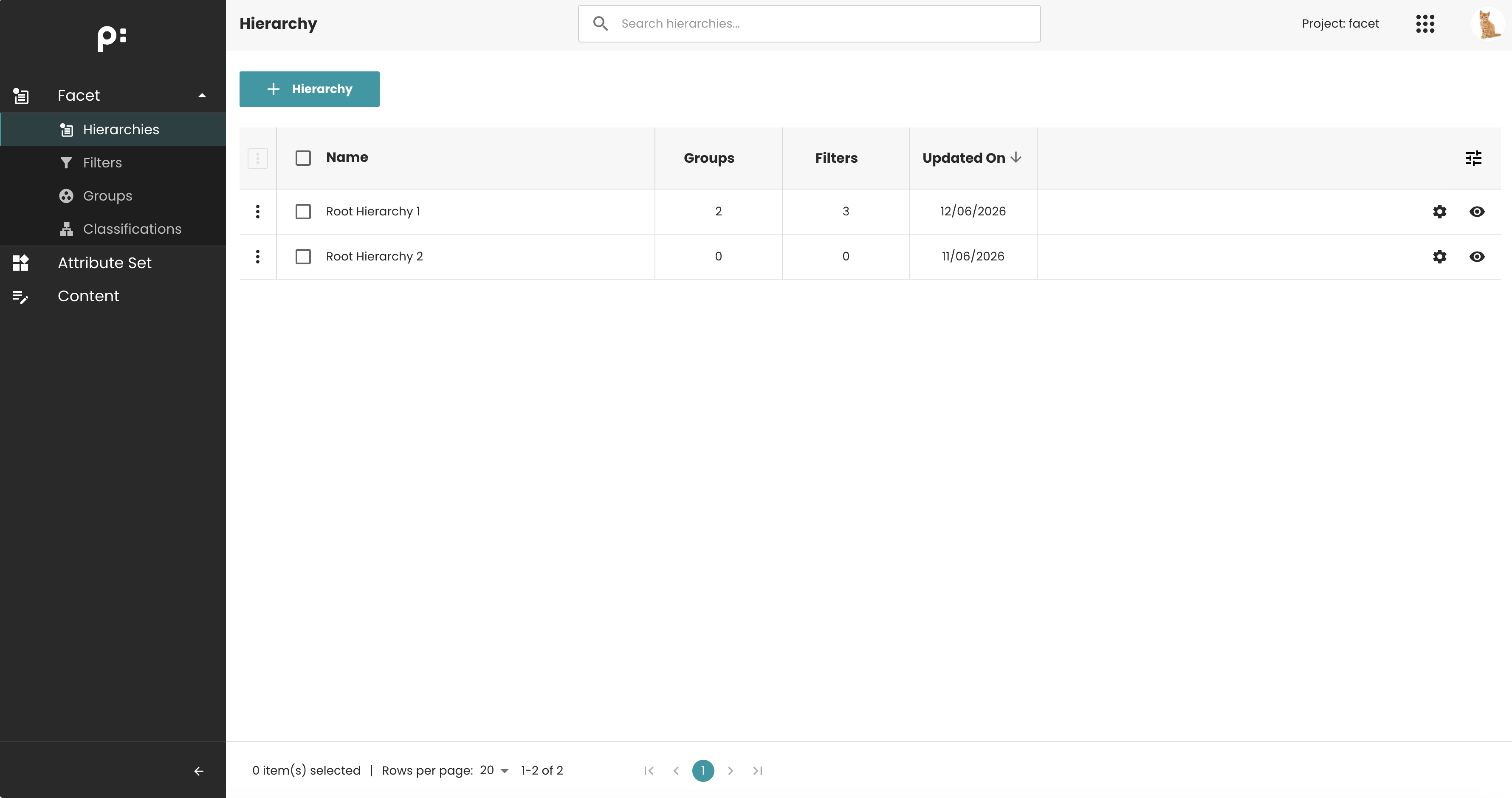
- When Nested Collections are enabled, a default
No Collectionnode is displayed at the top of the collection tree. This node contains all Hierarchies that are not assigned to any collection (root-level Hierarchies).